> ## Documentation Index
> Fetch the complete documentation index at: https://docs2.armin.cx/llms.txt
> Use this file to discover all available pages before exploring further.
# eTrusted (TrustedShops)
> Manage your customer feedback from your armincx inbox
***
Customer feedback is a gift that you should not ignore. With our TrustedShops integration, you will never miss a review again and you can manage every review directly from your armincx inbox.
## Setting up the channel
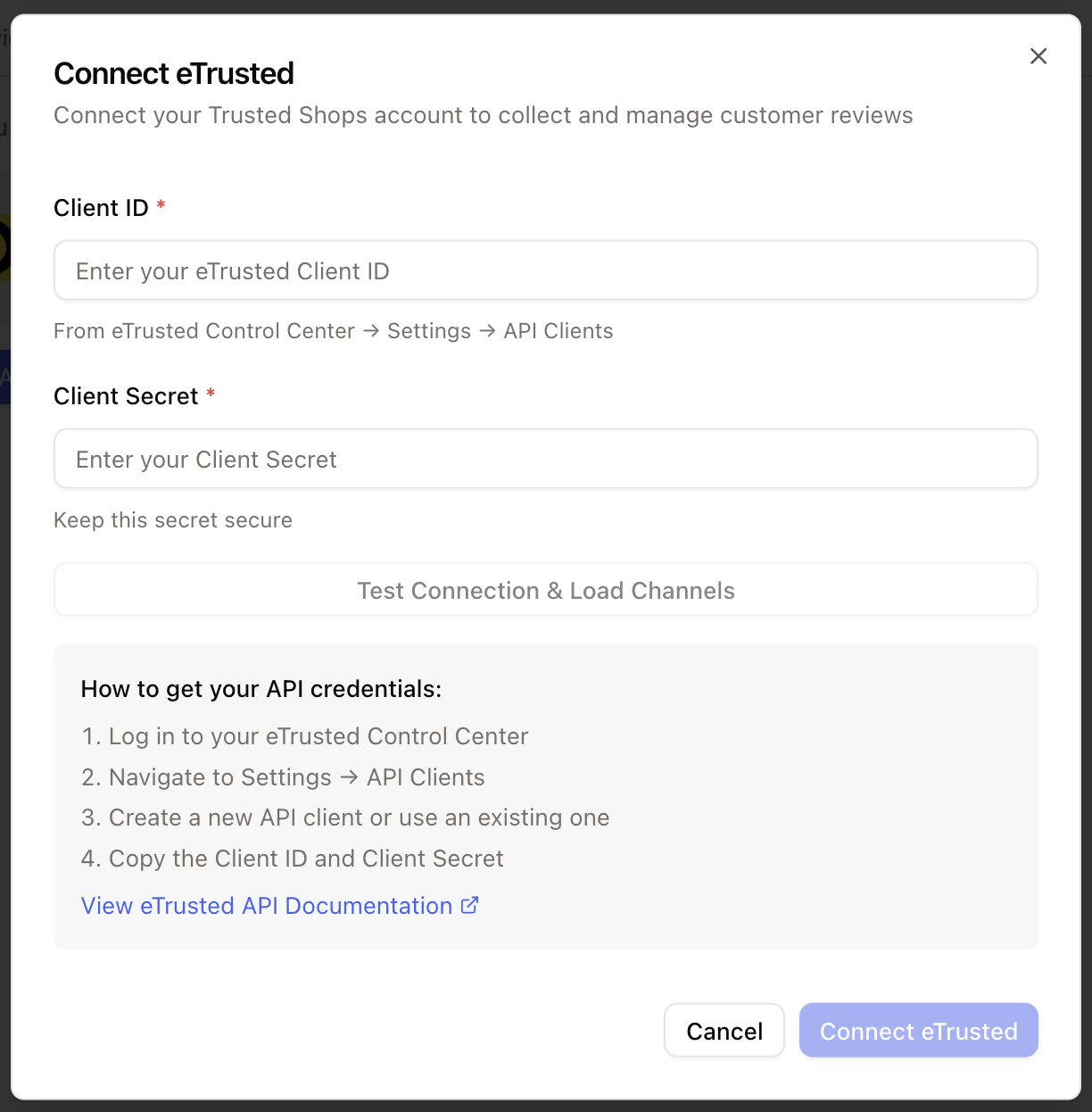
Got to the integrations-page (click on your name in the bottom left corner and choose integrations) and choose eTrusted
Click on connect -> Add account and ad your credentials. Click **connect** and grant the required permissions.
 ## How to use
Every new review will now create a ticket in your inbox. To manage your reviews from your inbox, you have to create a new view.
You first have to create the new view by clicking on + Add view
Name the new view as you like - maybe you want to choose TrustedSHhops...
The frist filter you want to set is channel - eTrusted. This ensures, that all reviews from TrustedShops will be displayd. The seconnd filter you might want to use here is the Status: opne & on hold. So resolved & closed tickets will not be displayed in this view
## How to use
Every new review will now create a ticket in your inbox. To manage your reviews from your inbox, you have to create a new view.
You first have to create the new view by clicking on + Add view
Name the new view as you like - maybe you want to choose TrustedSHhops...
The frist filter you want to set is channel - eTrusted. This ensures, that all reviews from TrustedShops will be displayd. The seconnd filter you might want to use here is the Status: opne & on hold. So resolved & closed tickets will not be displayed in this view