
Main Benefits
- No need to manually trigger workflows
- Handle complex tasks like Updating Shipping Address, Fetching invoices, on Full-Auto
Where to find?
- Under Autmations -> Workflows
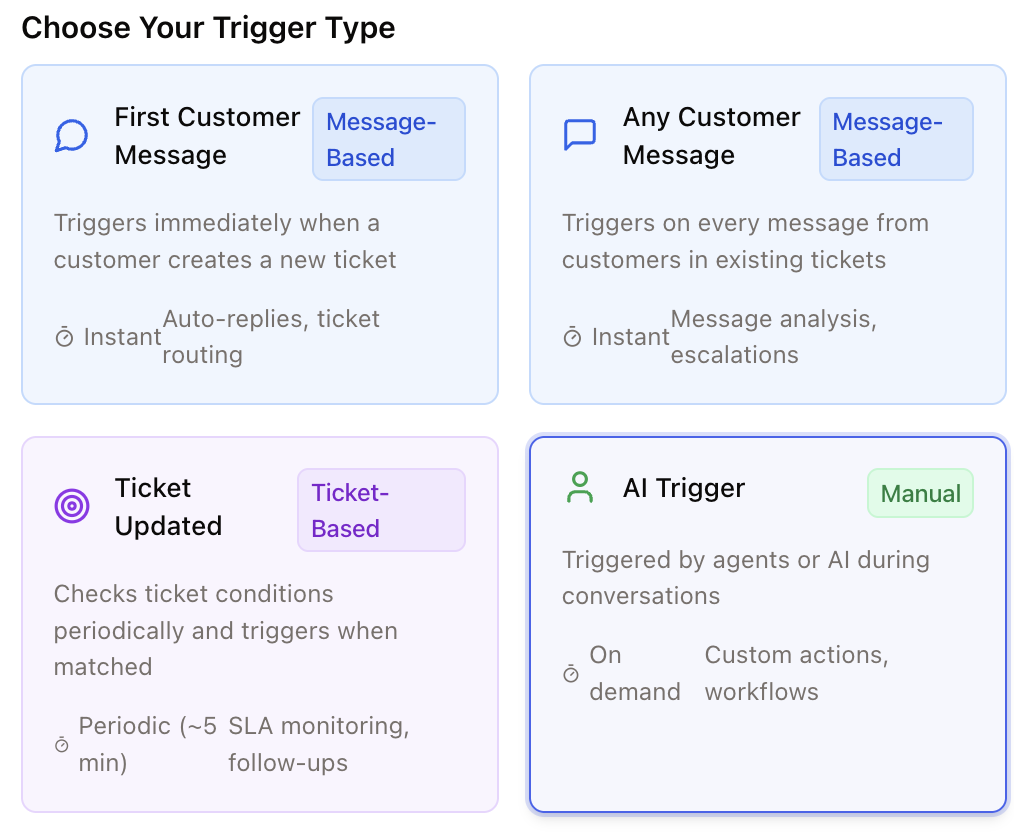
Only trigger when a customer asks about the order status or where their order is. This includes any message where the customer wants to know whether their order has been processed, shipped, or when it will arrive. ✅ Example phrases that should trigger:You see, it is helpful to give the AI the exact use case, including examples and negative examples. See here how you can test Workflows before letting the AI trigger them
– “Where is my order?”
– “What’s the status of my order?”
– “Has my order already been shipped?”
– “When will I receive my delivery?”
– “I placed my order a few days ago but haven’t heard anything yet.” ❌ Do not trigger if the customer:
– reports a missing or damaged item,
– asks about a return or refund,
– or wants to change or cancel an order — those are handled by other workflows.